Fast upload to preview
ToonMe takes one clear selfie and moves straight into a preview render so you can see the anime result without extra steps.
Anime portraits from your own photo
ToonMe turns a clear photo into bright anime art with bold colour, clean line work, and a face that still reads as you.
Identity stays readable
Preview before checkout
Built for avatars and selfies
Before / after
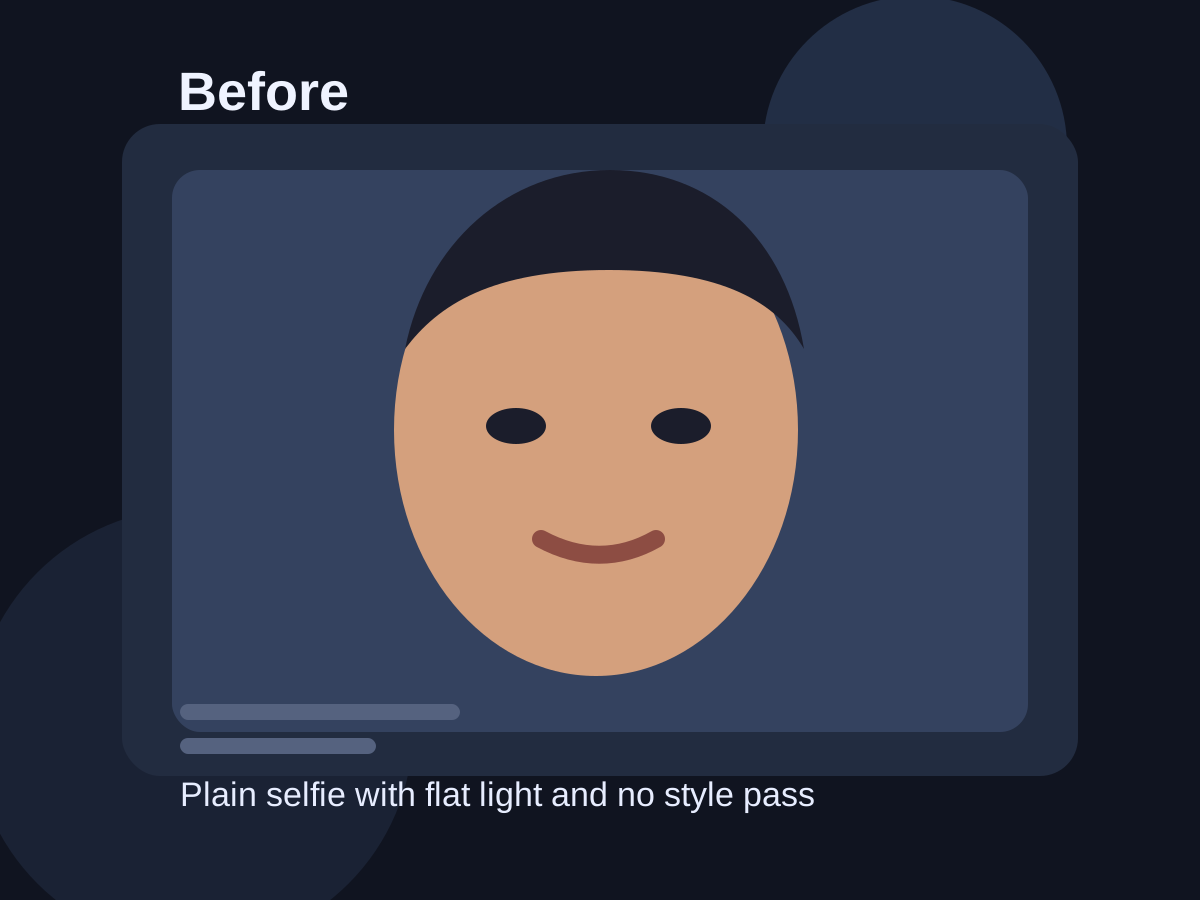
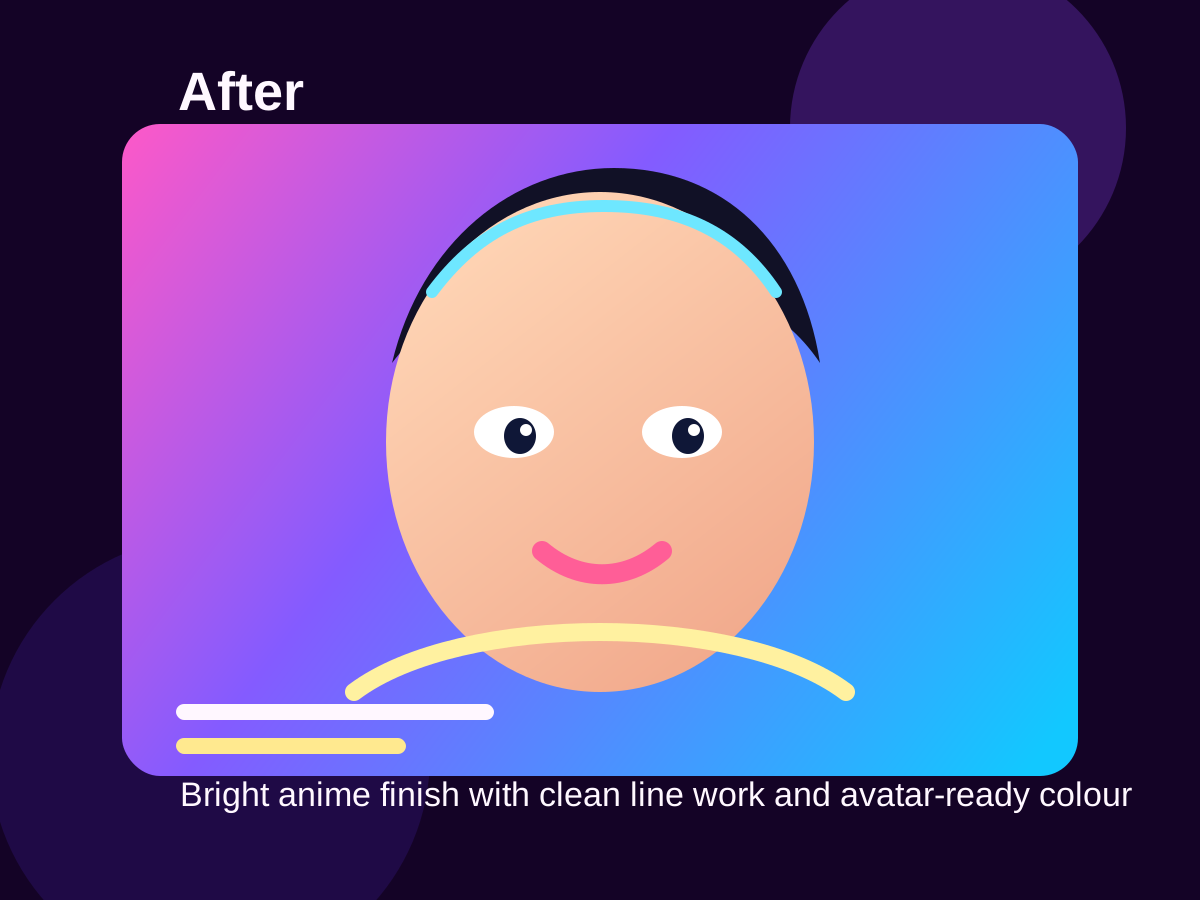
Uploads once and renders straight to preview
Shows a preview before payment
Delivers a finished portrait ready to download
What changes
ToonMe keeps the pose and identity cues from your original shot, then rebuilds the colour, edges, and mood around the style you pick.
ToonMe takes one clear selfie and moves straight into a preview render so you can see the anime result without extra steps.
Each preset pushes the same source photo in a different direction, from glossy shonen energy to soft pastel avatar art.
You compare the preview first, then spend a credit on the finished portrait without the preview mark.
How it works
You upload once, try a style, and unlock the version you want to keep.
Step 1
Pick a clear photo with your full face visible. ToonMe uploads it once and starts the anime preview right away.
Step 2
See the styled result first, complete with the preview mark, before deciding whether you want to unlock it.
Step 3
Spend a credit only when you want the full-quality version without the preview mark.
Why it lands
ToonMe keeps the source photo grounded, then pushes the finish hard enough to look like real anime art.
ToonMe stylises the finish without flattening your identity into a generic anime stranger.
Each preset pushes the same upload in a different direction, so you can pick the one that feels right.
You see the look before checkout. That keeps the decision simple.
Once you unlock it, the finished portrait is full quality and ready for avatars, bios, and socials.
Built for quick wins
No sliders. No editing tools. Pick the look, check the preview, and keep the anime portrait that fits your profile.
Glossy colour without muddy skin tones
Readable features that still feel like you
Looks tuned for avatars, bios, creator pages, and socials
Pricing
Preview for free. Spend a credit when you want the finished portrait.
£3
Best if you want to test one finished portrait
Choose thisMost popular
£9
Good if you want a few style passes
Choose this£15
Best value for a full avatar pack
Choose thisStart with one photo if you want to test the vibe. Move up if you want a full pack.
Start with 1 creditFAQ
Yes. ToonMe keeps your face, expression, and pose readable. The style work happens in the finish, colour, and line treatment.
Use one clear selfie or portrait with your full face visible. Soft daylight or a clean indoor light works well. Heavy filters make the result worse.
No. You upload a photo, choose a style, and preview the result first. You spend a credit only when you unlock the finished portrait.
Yes. The output works for profile pictures, social avatars, creator pages, or anywhere you want a bright anime version of yourself.
Yes. One upload can drive multiple presets. Compare the styles, then keep the version that fits your vibe.
Ready to try it
One upload. Multiple styles. One finished portrait worth keeping.